

4 min read
It's about time you had an AI assistant that actually helps you. That's why we're pleased to announce Frank. And to be frank (pun intended), he's awesome!
Frank is an Ai assistant built right into VIP to help navigate tasks, answer questions, and boost your productivity. Instead of stopping what you’re doing to search through documentation, open another browser tab, or track down the right process, you can get help right where you’re already working. That means less back-and-forth, faster answers, and more time spent moving work forward.
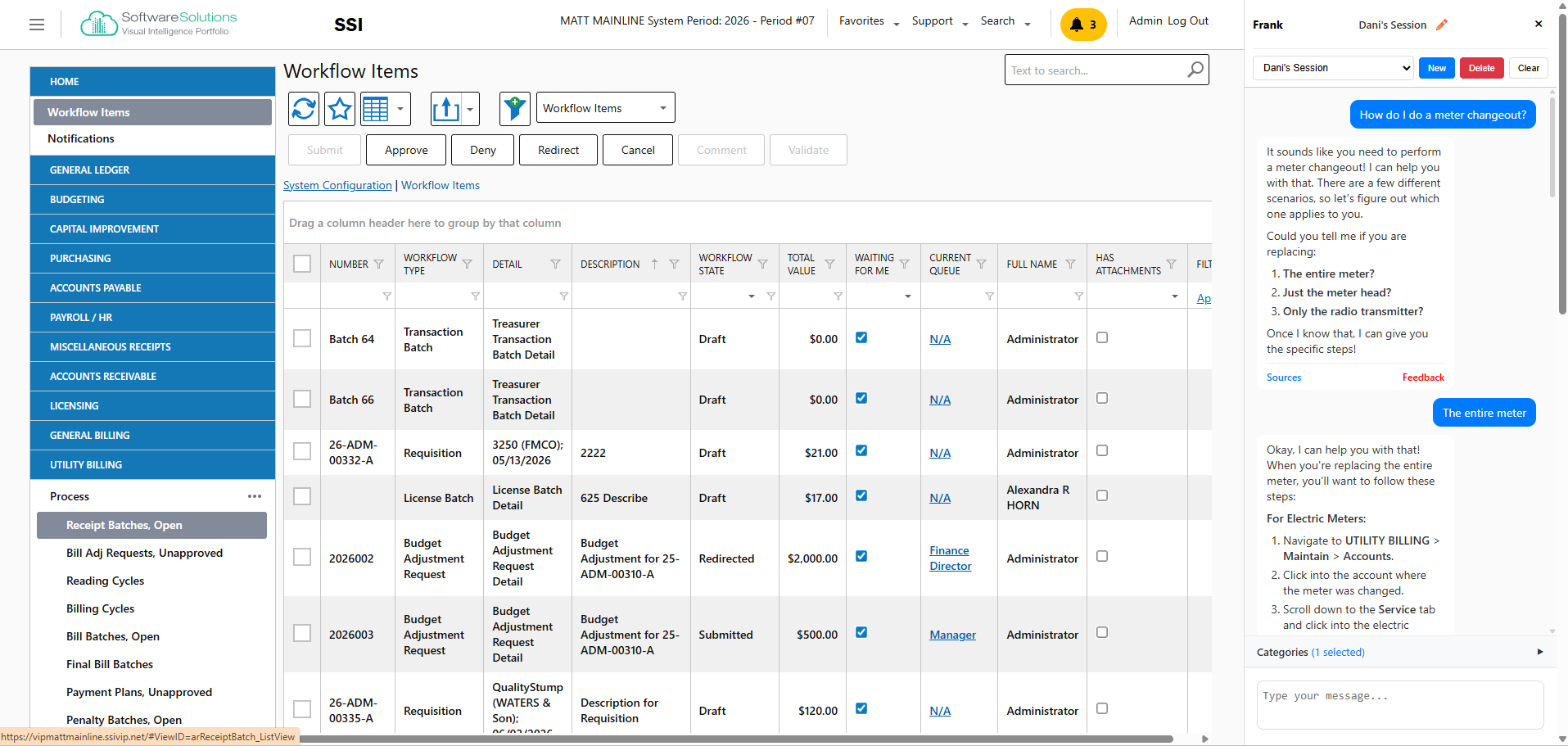
If enabled, Frank will pop up on the right-hand side of VIP. You can ask questions like "How do I do a meter changeout?" or "How do I add a new payroll period?" and he will pull instructions straight from our Knowledge Base. He'll even display the Knowledge Base source materials he's pulling from, in case you want to go deeper.
That source visibility gives staff a clearer understanding of where the answer came from, which helps build confidence in the information they are using. Instead of relying on a short response alone, you can review the original article, follow the full steps, and reference related guidance when needed. For teams handling important finance, payroll, and utility billing processes, that extra clarity can make day-to-day work feel much more manageable.
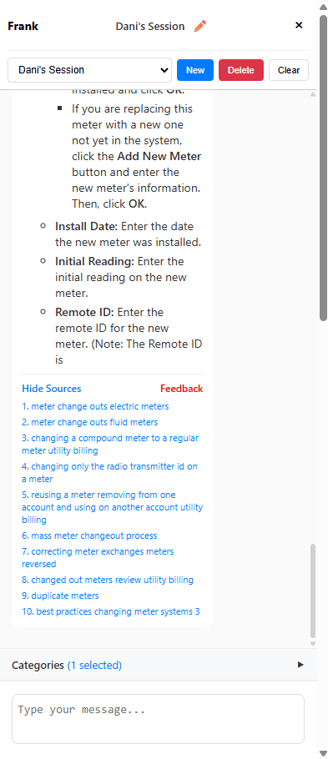
Even if you don't have access to our Support Site, you'll still be able to view the articles he uses as sources. Because we're here to help anyone and everyone use VIP better. That makes Frank more than a simple chatbot feature. It makes him a practical guide inside the software, helping you get answers in the moment without adding a headache to the workday.
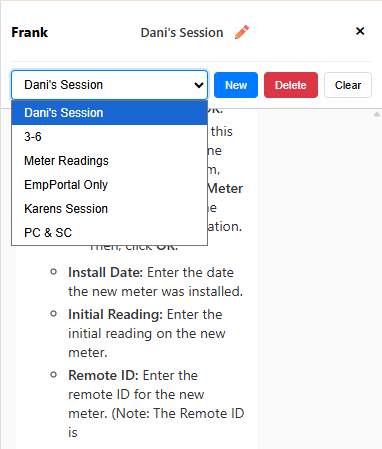
Another great feature is having the capability of saving multiple chats. If you work in a small local government, you likely wear many (many) hats. So while you're doing payroll, you can save a dedicated chat conversation for that; while doing utility billing, you can save a conversation for that; and the same for accounts payable, etc. And if you no longer need that chat, feel free to delete it.
This can be especially helpful for teams switching between responsibilities throughout the day. A saved chat gives you a quick way to return to the context, questions, and guidance tied to a specific task without starting over each time. Whether you're handling payroll in the morning, reviewing billing questions in the afternoon, or jumping into accounts payable before the day ends, Frank helps keep those conversations organized and easier to revisit.
The catch is (we know you were wondering) that Frank is only available with VIP Cloud. It's just, quite frankly (*insert eye rolls here*), more secure.
VIP Cloud provides a stronger foundation for secure access, system reliability, and modern support delivery. With cloud-based infrastructure, you can benefit from stronger protection, more dependable availability, and easier access for staff working across locations or schedules. Since Frank is designed to display helpful information directly inside VIP, pairing that experience with the security and stability of VIP Cloud makes sense. It supports a better experience while aligning with the protection public-sector organizations expect from the systems they rely on every day.
In short, Frank is built to help teams get answers faster, work more efficiently, and feel more confident while navigating VIP. For organizations already moving toward a more modern, cloud-based environment, he adds another practical advantage to the VIP experience. If you’re looking for a smarter, more supportive way to work inside VIP, Frank is ready to help.
Or read more about VIP Cloud...
Related Posts
Why Guernsey County Chose VIP Over Paper Processes
Running a mid-sized Ohio county isn't for the faint of heart.
You're tracking departmental budgets...
How the VIP Suite Supports Public Sector Operations
Public sector ERP software shouldn’t require translation. You should be able to look at a system...
How 3 Communities Improved Their Operations with VIP
Choosing new software is a big decision for any local government.
And we know most customer stories...